
A new name does not make it safe
A secret copied into a file called notes.txt is still the same secret. Protect remembers what the contents were, not just what the file is called.
 Sting Labs· 26 Sep 2026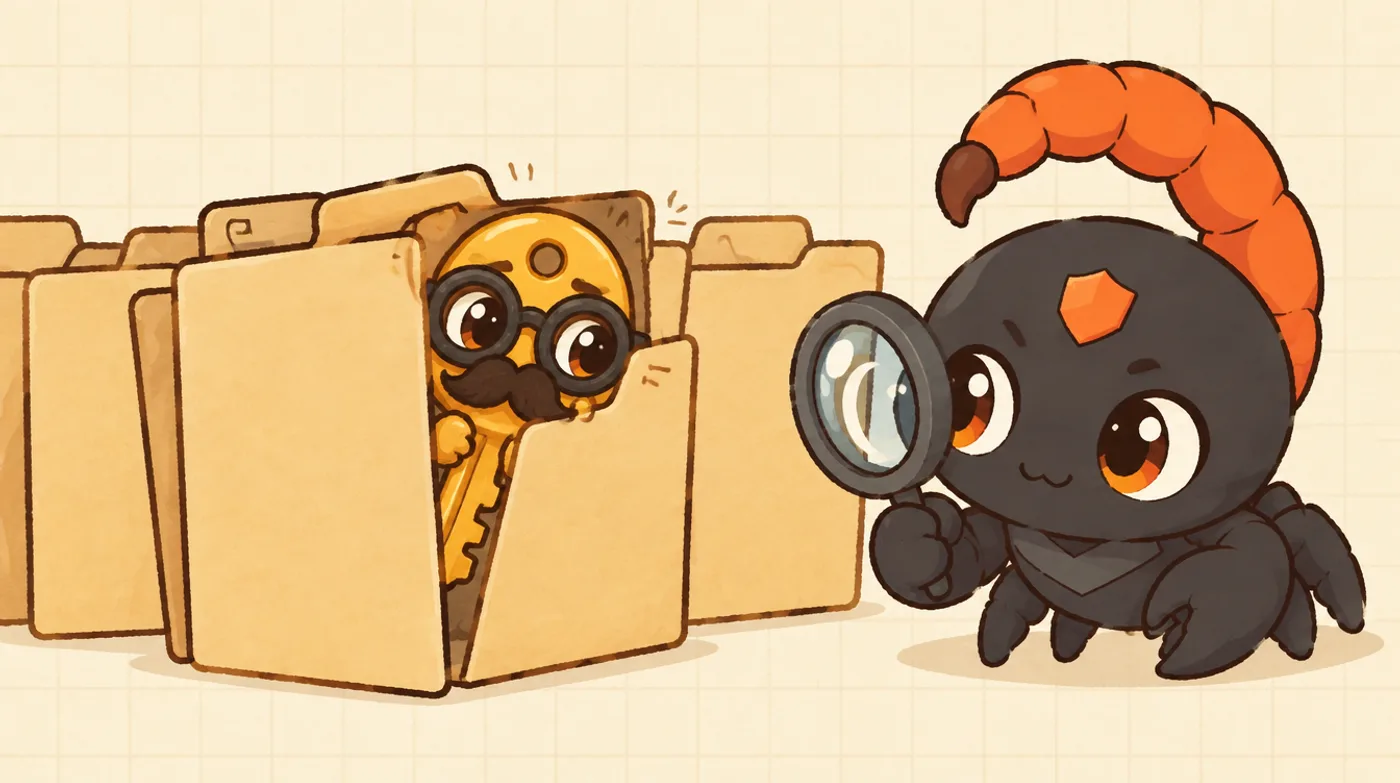
The move
An agent reads a file full of credentials to understand how a service connects. Later, while tidying up, it writes those same lines into a new file called q3-notes.txt.
Nothing malicious needs to happen for this to go wrong. The agent was trying to be helpful. But a check that only watches for files named ".env" now sees notes, and the secret has slipped out of view.
Why names are a weak signal
File names are chosen by whoever writes the file. Agents rename, copy, reformat and summarize constantly. Relying on the name means relying on nobody, human or model, ever choosing a different one.
In plain words
The label on the box changed. What is inside did not.
What Protect does
Protect remembers what the agent read. When the same contents show up again in a new file, a message, or a command, they are still recognized as that secret.
So the write, or the attempt to send it anywhere, is stopped while it is still only a proposal, before anything leaves.
What this does not claim
This is not a scan of every file on the machine. It follows the path that matters: a secret was read, then those contents appeared again somewhere they should not be.